
The journey
From QR scan to settled payout
No app download, no guest account, no cash. iTip takes under fifteen seconds for the guest and gives your finance team a complete audit trail.
Four steps for the guest
Everything happens in the browser — nothing to install.
Scan
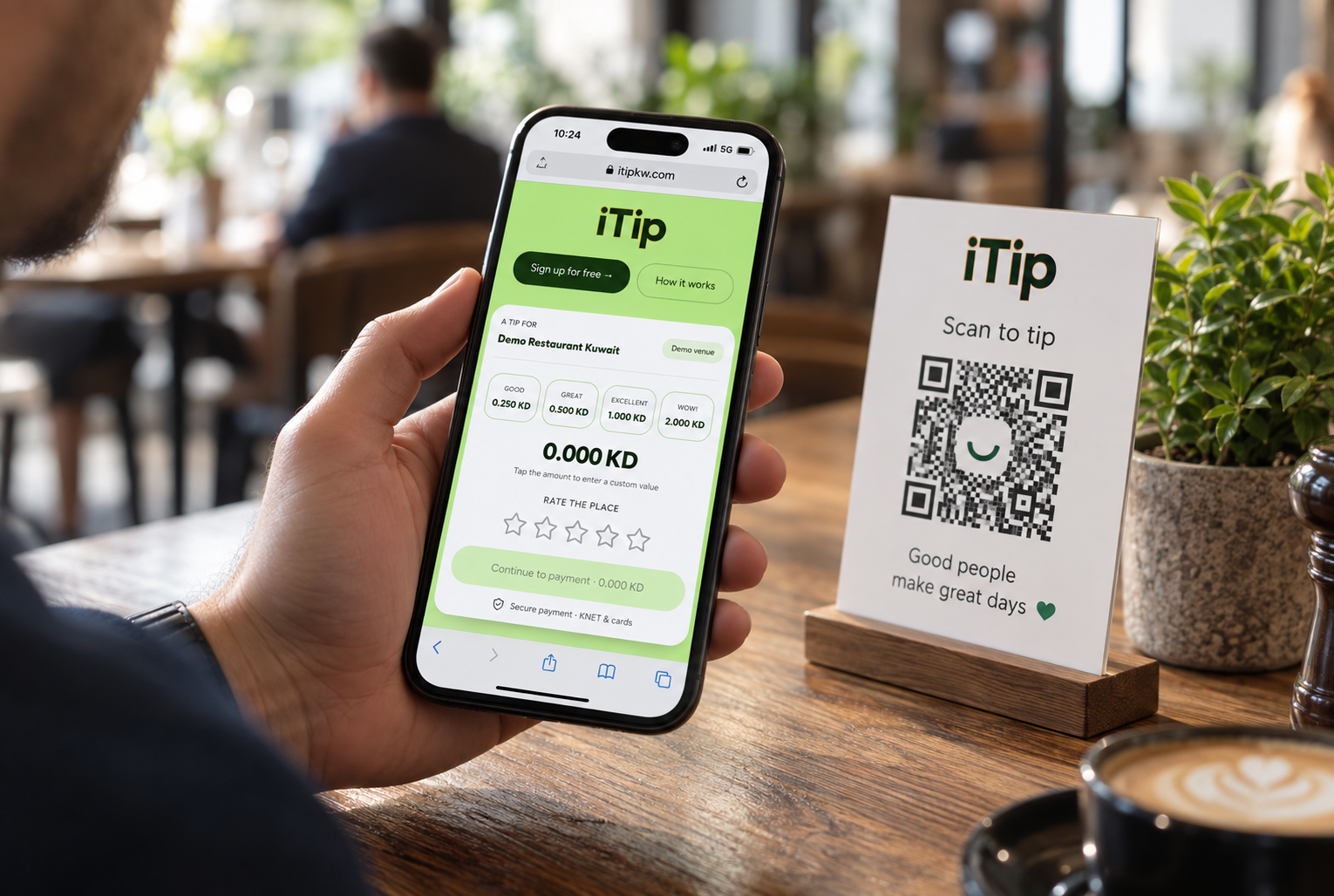
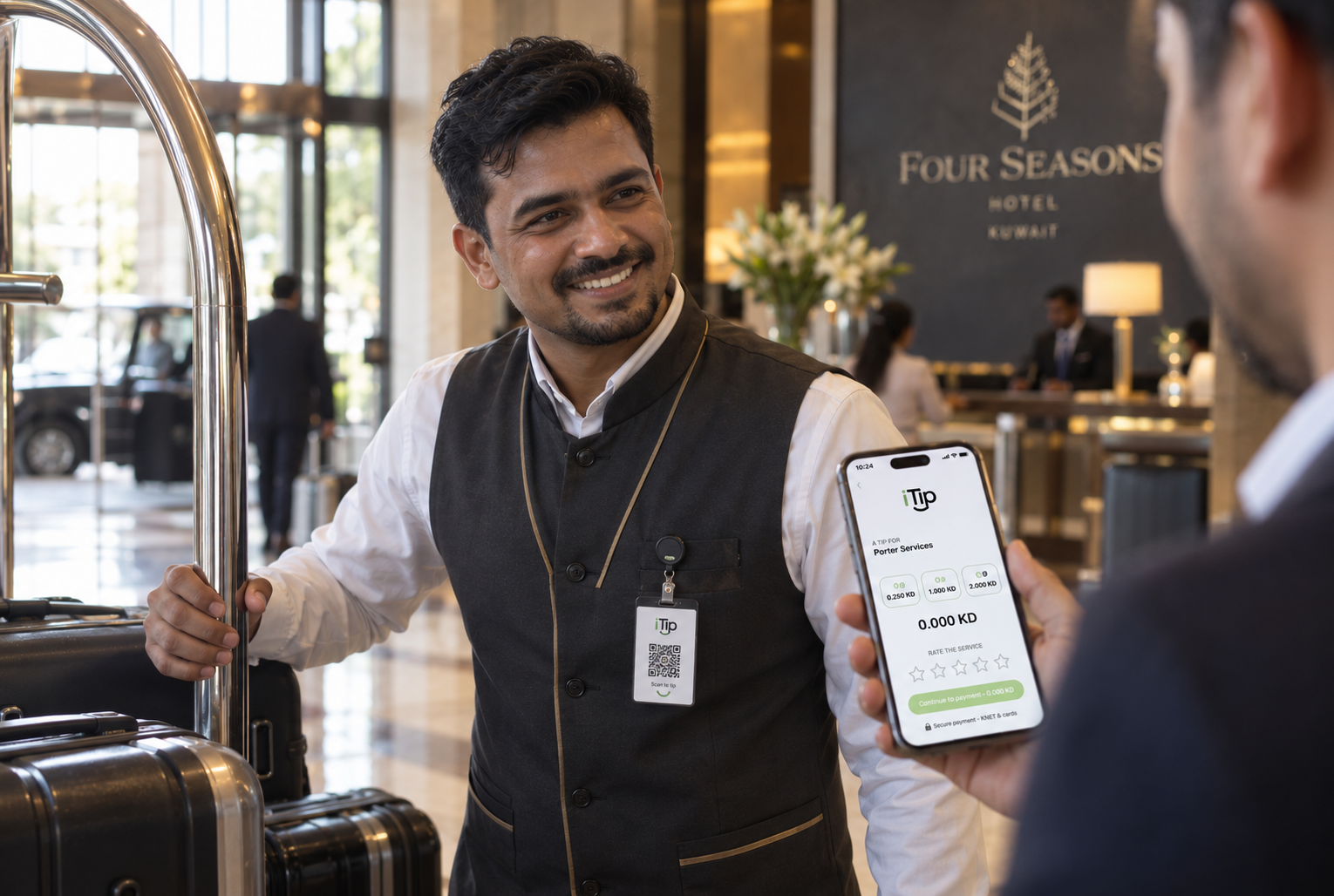
Guest scans the QR on the table, receipt, room card or team-member badge.
Choose
Preset amounts or a custom value, in Arabic or English, with the fee shown up front.
Pay
KNET, debit and credit cards or Apple Pay — a familiar, secure checkout.
Receipt
An instant digital receipt with a reference the guest can keep or email.
What happens behind the scenes
Every tip is recorded once, priced by a versioned rule set and reconciled to the last fils.
QR resolution
Each code maps to a venue, branch or individual team member so the tip always reaches the right pocket.
Versioned pricing
Fees are snapshotted at the moment of payment, so historic transactions never change when pricing evolves.
Verified payments
Payment provider callbacks are signature-verified and idempotent — no duplicates, no lost tips.
Immutable ledger
Double-entry records for every tip, fee and payout, locked against edits after posting.
Settlements
Scheduled payouts to the venue or to individual staff, with statements for each cycle.
Reporting
Merchant, admin and team dashboards with volumes, averages and settlement history.
Getting live is quick
Most venues are accepting digital tips within a few days of applying.
Apply online
Submit your venue, contact and commercial registration details in a couple of minutes.
Get approved
Our team verifies your business and activates your merchant account and first QR code.
Print and go
Create QR codes per venue, branch or team member, print them, and start collecting tips.